Hold to talkSkip the screen
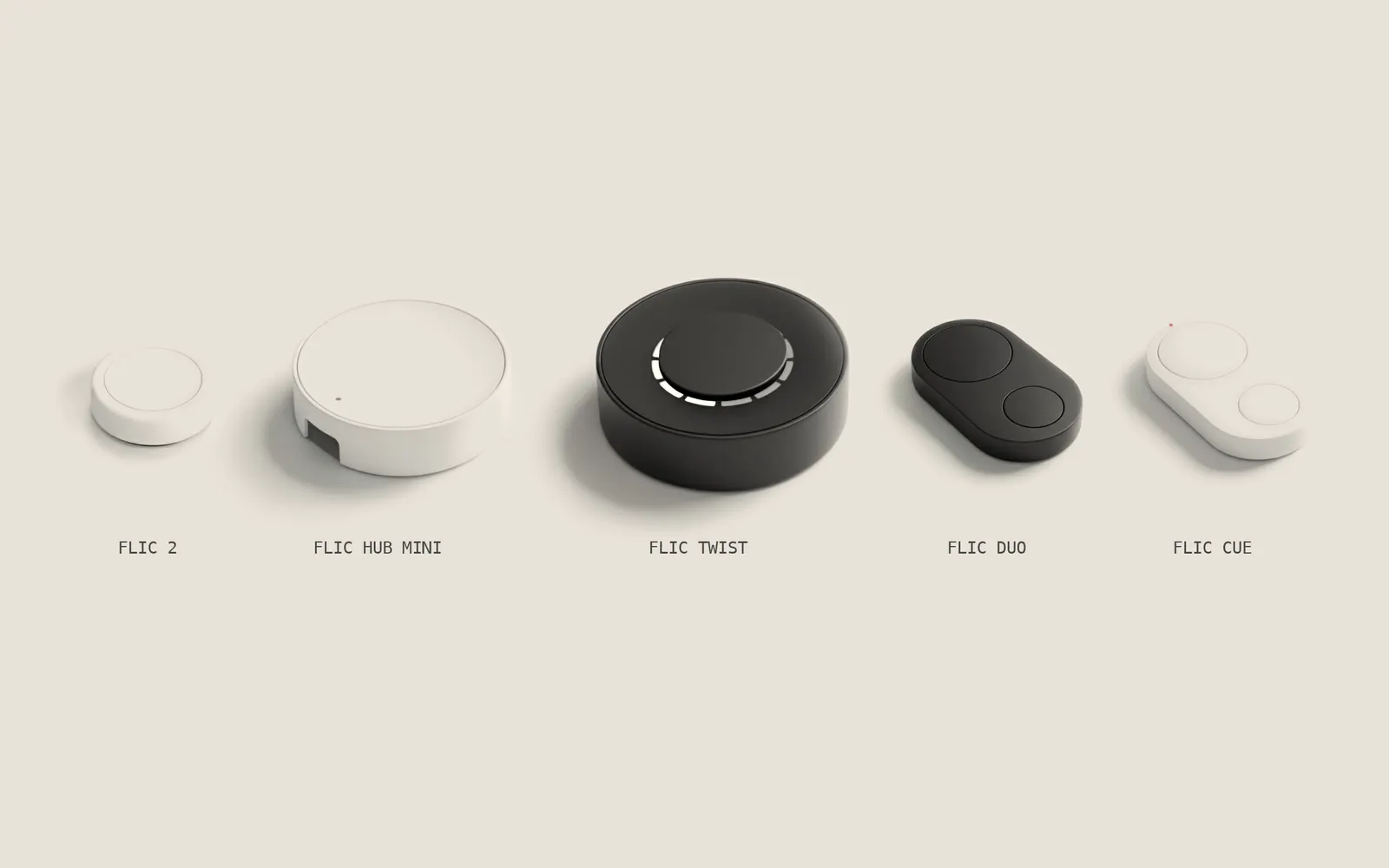
Say what's on your mind and let go. Your phone stays in your pocket.
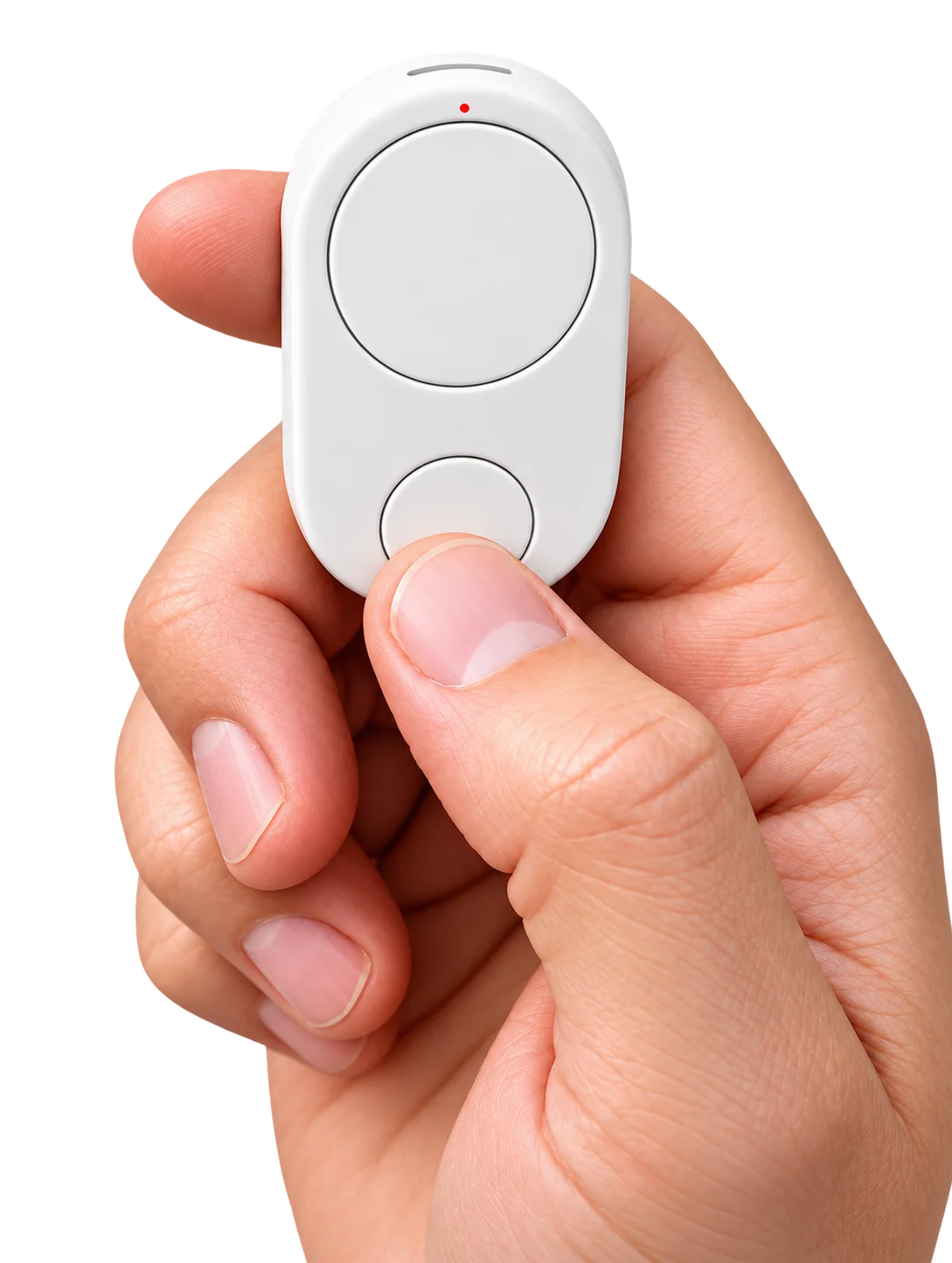





Sorted, logged and sent on in the Cue app
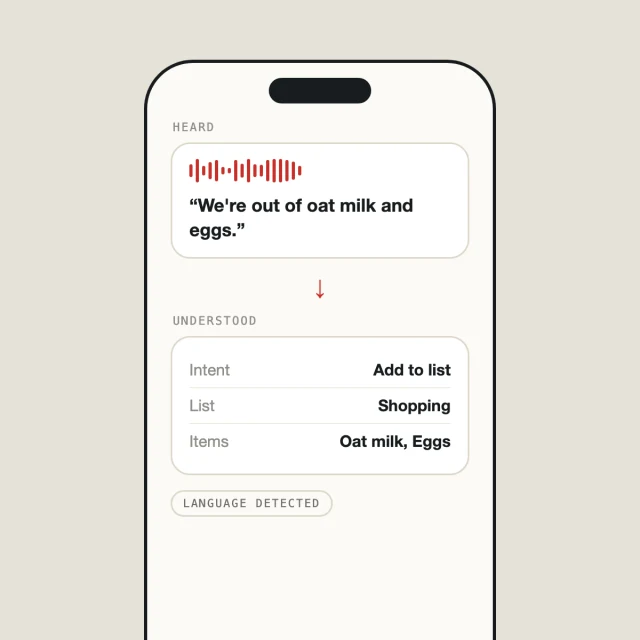
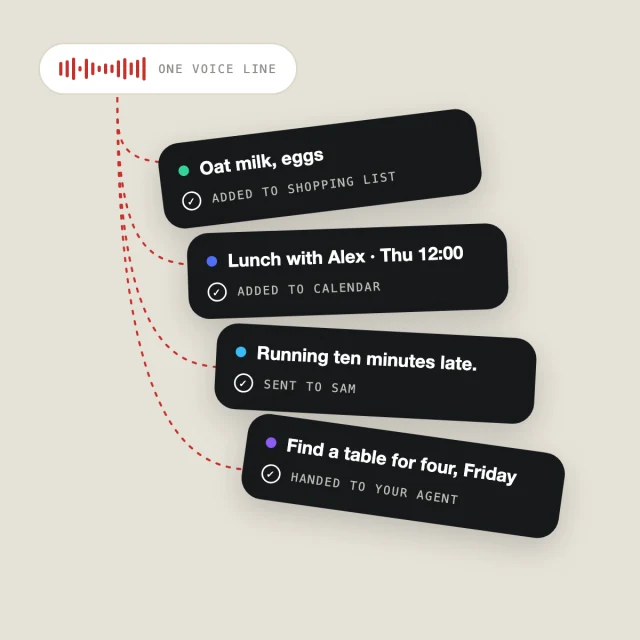
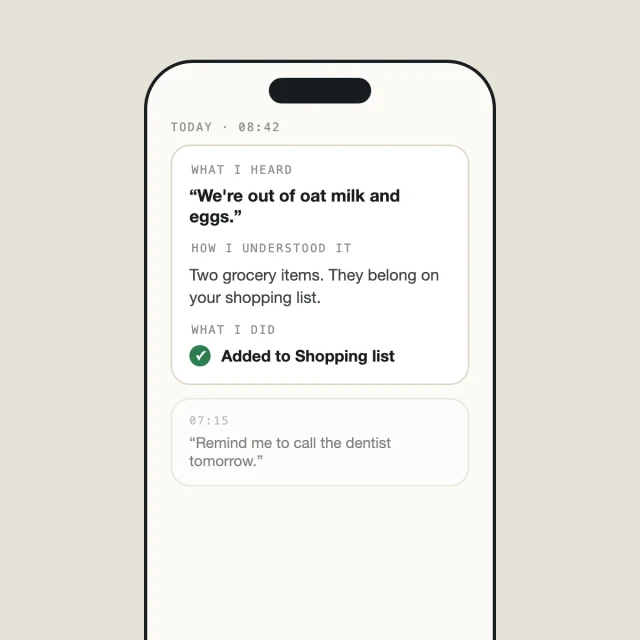
Messages, email, reminders, notes and quick answers. Everything you say is sorted, logged and passed on in the Flic Cue app, so you can always see what Cue heard and where it went.





How does Cue answer?
Ask anything and let go. The answer comes back the way you choose.
You can also have answers sent on as a text message, an email or a note in apps like Notion.
Bigger jobs with several steps go to your AI agent instead. See below ↓
Talk to your AI agentStarting with Grok Bot
Empty your head: hold and say everything on your mind, in any order. Your agent turns it into a to-do list and gets to work.

Grok Bot needs your own account and may require a separate subscription. Availability depends on your region.
More agents are coming
We’re working on support for more popular agents, but we can’t promise which ones or when. Until then, you can connect your own wherever the agent allows it.
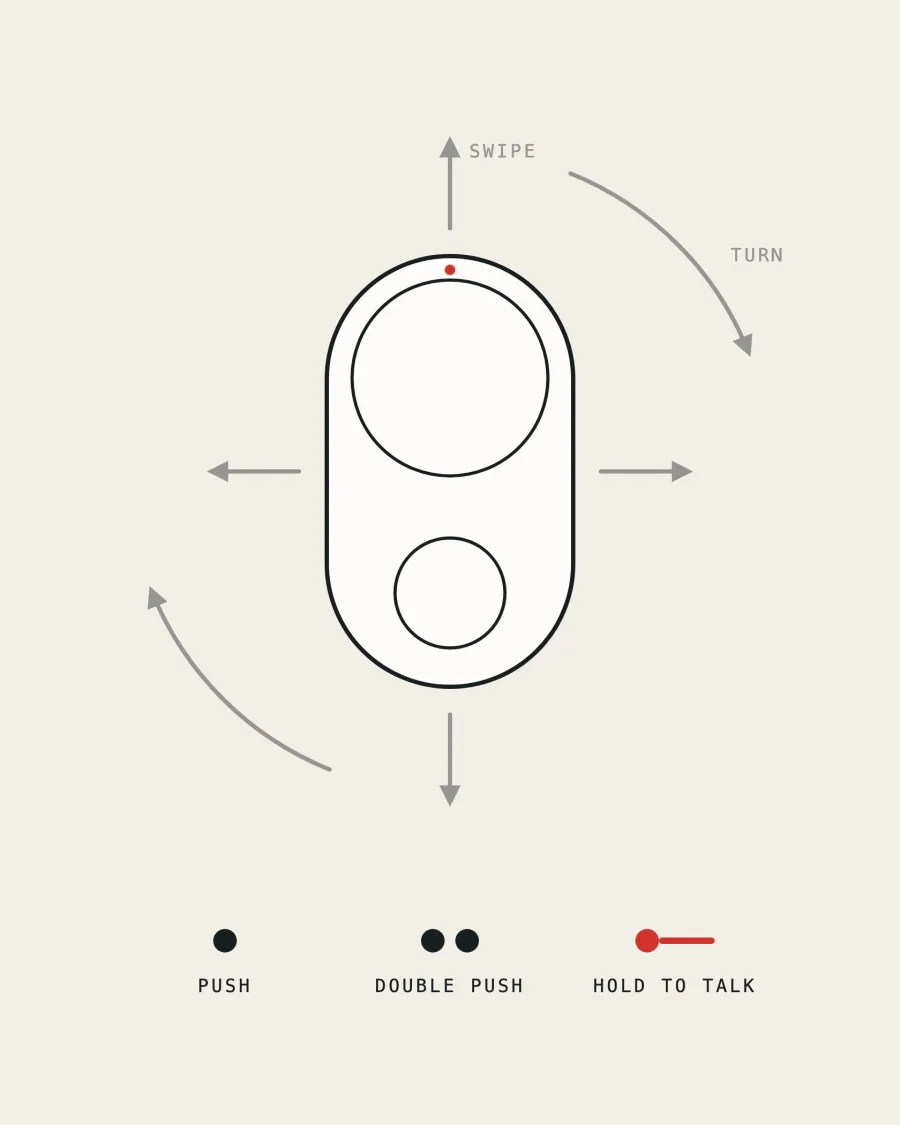
Two buttons. A lot of moves
Most people only ever hold and talk, and a short beep tells you Cue got it. When you want more, each button also takes a push and a double push. Hold and swipe up, down, left or right to go straight to a list or an agent. Turn Cue to change the volume or dim the lights.
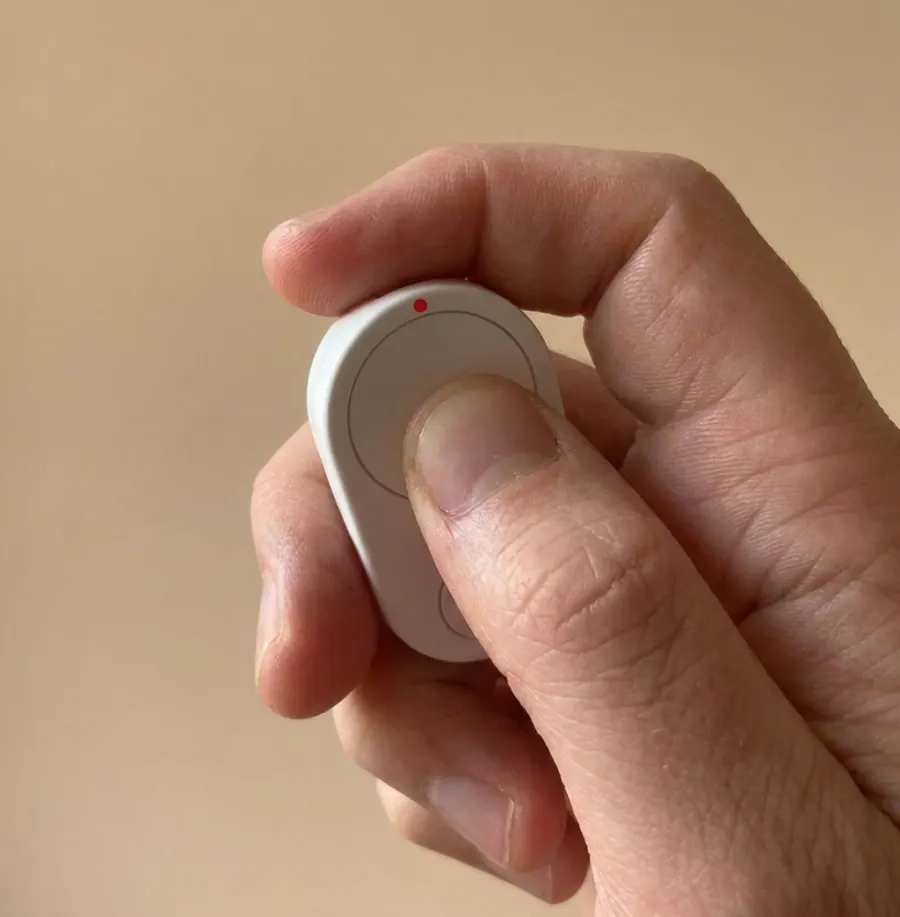
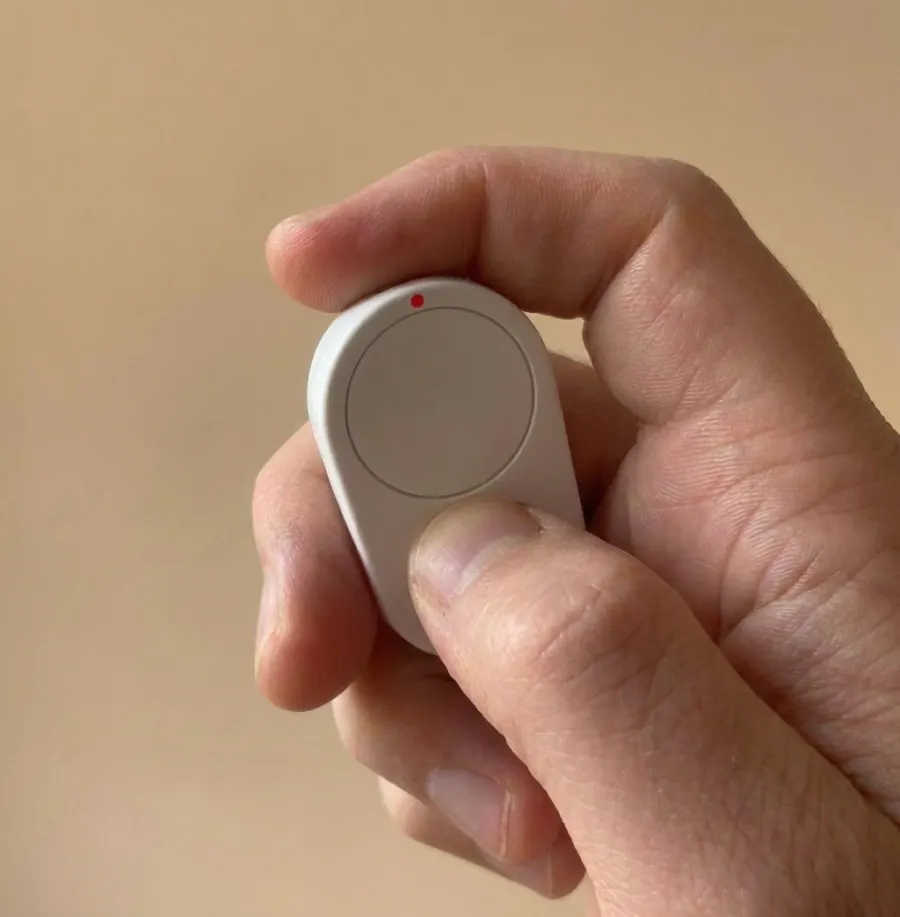
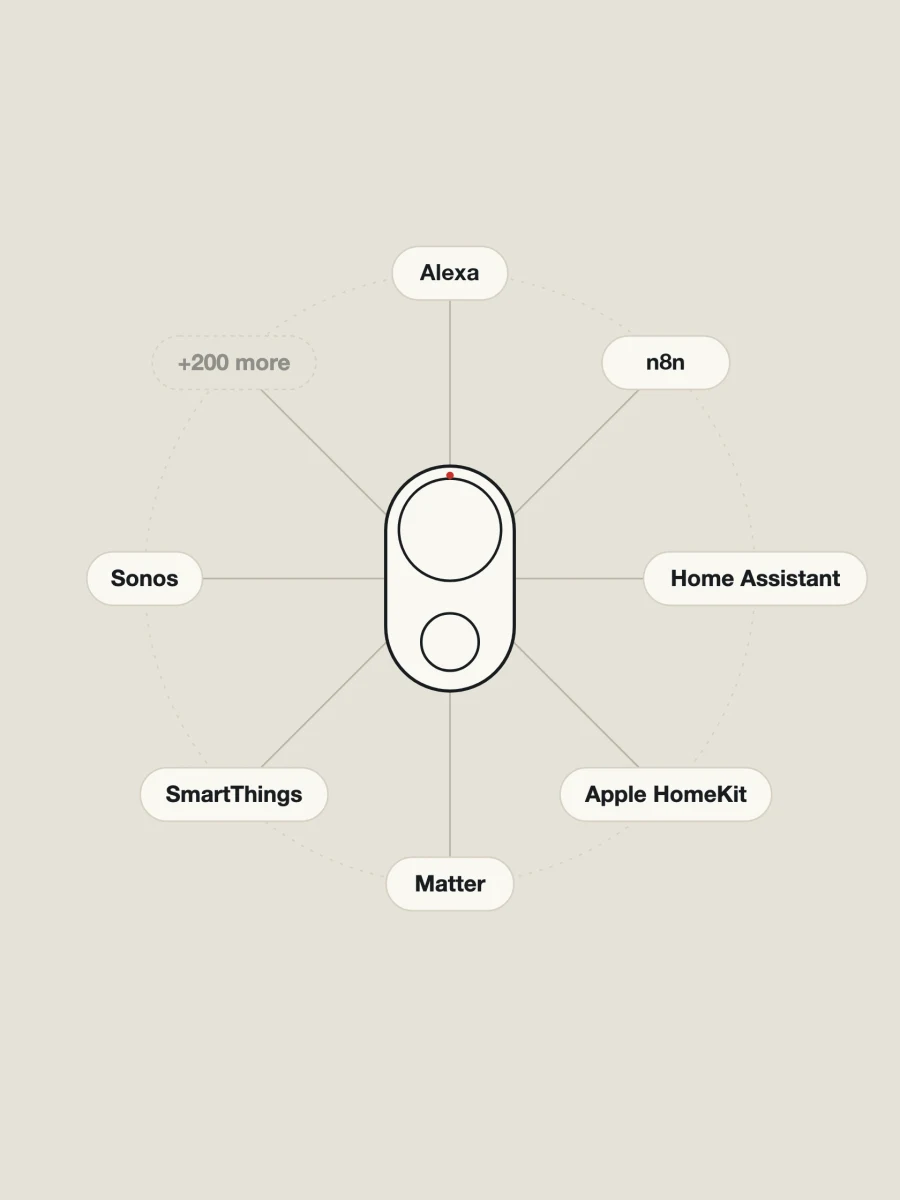
Push for everything elseOver 200 integrations
Run a scene, start a playlist or fire off an automation with a push or a gesture. The integrations run in the Flic app, which you can use alongside the Cue app.
Voice commands don't work in the Flic app yet.
Apple HomeKit requires a Flic Hub LR. Matter requires a Flic Hub Mini or a Flic Hub LR.
How it works
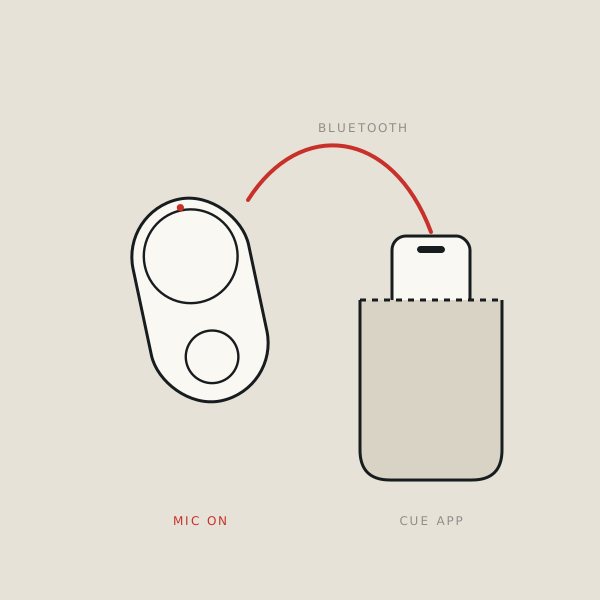
Flic Cue is two things working together: the button you hold, and the Cue app on your phone or computer. Here's what happens between hold and let go.
Tech specs
Hardware
Mounting and accessories
App and connections
Privacy

Coming to Kickstarter
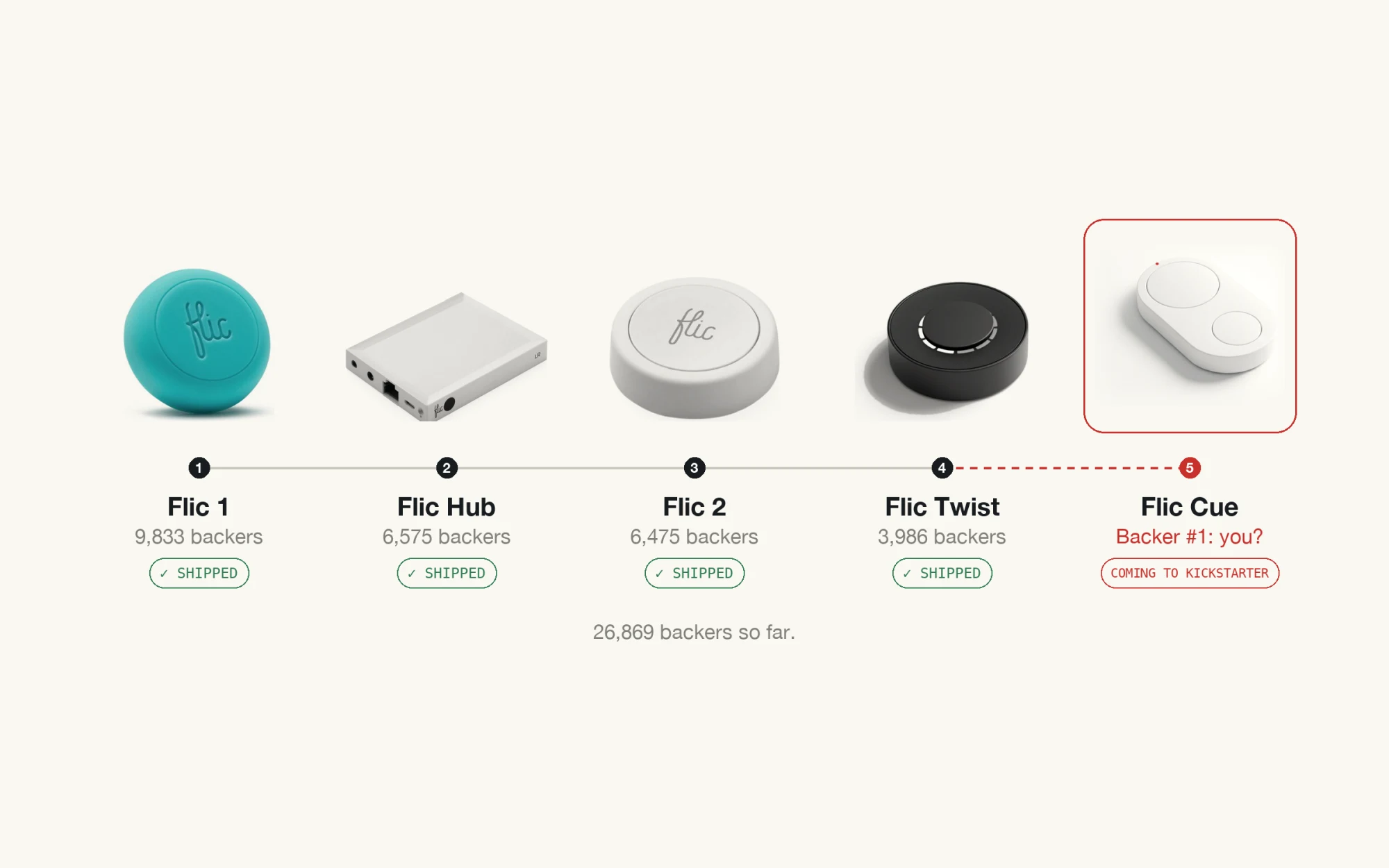
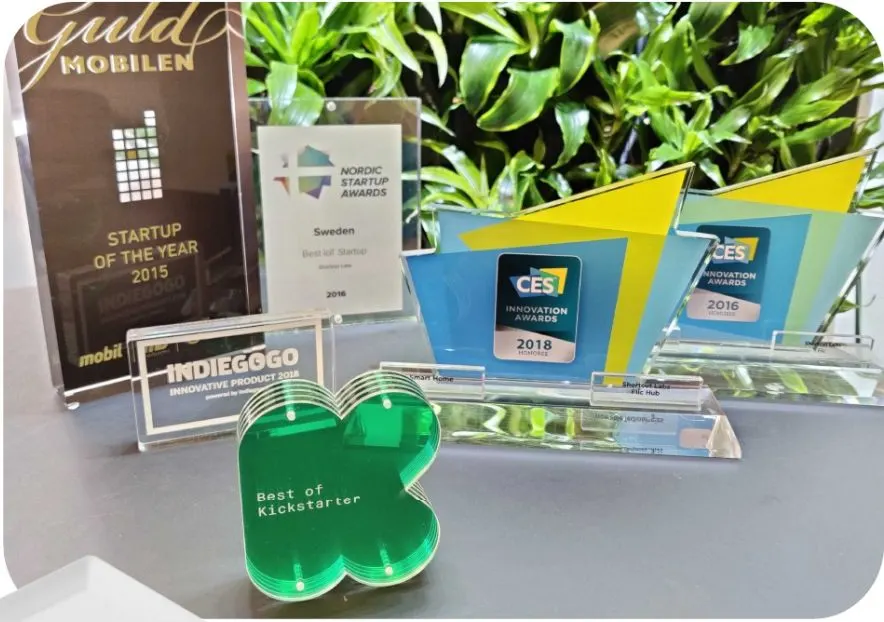
Flic has made smart buttons in Stockholm for years. When we say it ships, it ships.
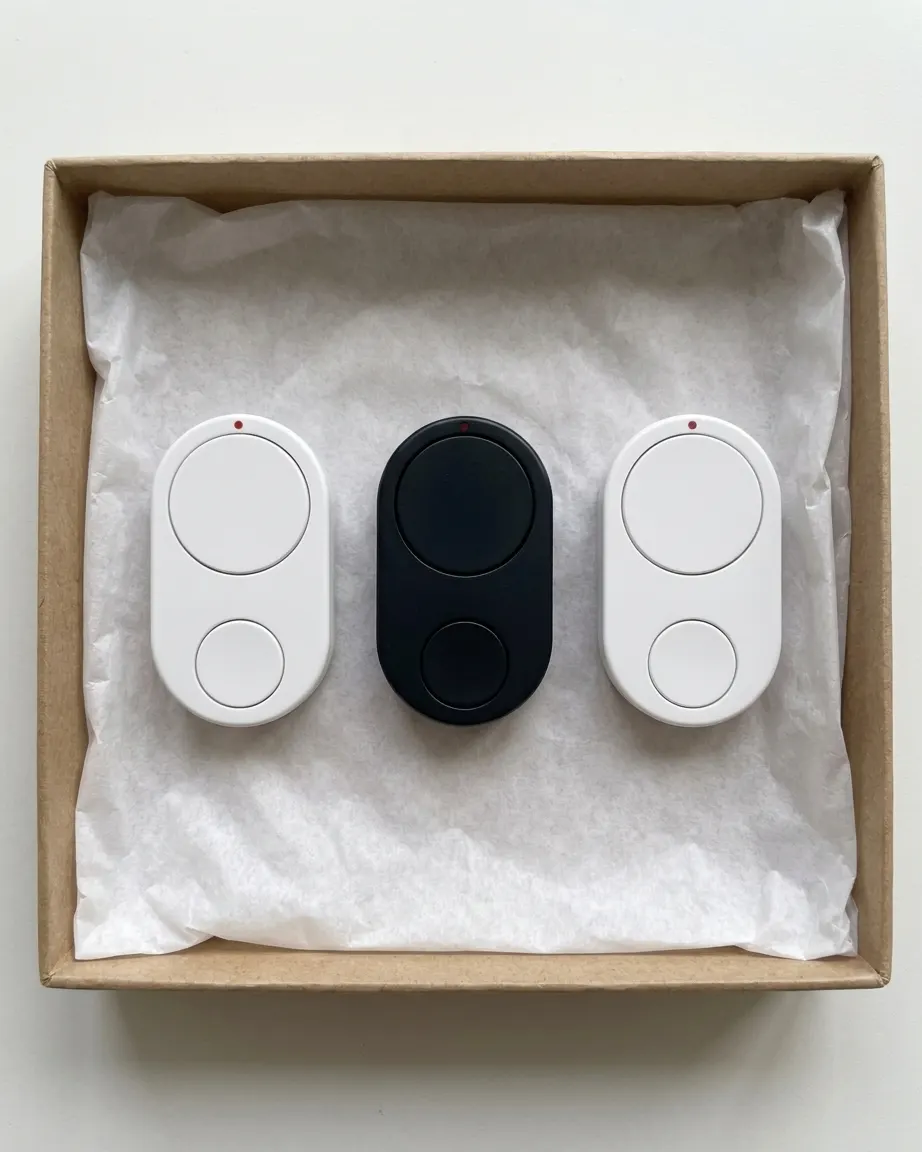
Four campaigns. 26,869 backersWe ship

“Our home has been smarted up to the hilt, but the one device I find most satisfying to use is the Flic 2 Smart Button.”
“Flic is the simplest to use and best performing of an ever-growing area in the smart home world: smart buttons.”
“I'm going to have to exercise significant self-control not to rush out to buy a whole bunch more and start sticking them to every available surface in the apartment!”
Questions
Using Cue
Is Flic Cue a button or an app?
Both. The button is how you talk. The Cue app on your phone or computer understands what you say and sends it where it belongs.
Does Cue work with the Flic app?
Yes, if you want it to, alongside the Cue app. Your voice goes to the Cue app, and your pushes and gestures can run anything in the Flic app, including its more than 200 integrations. Voice commands don’t work in the Flic app yet.
Does it ever listen when I'm not holding it?
Only if you turn on fall detection. Then it listens after a detected fall.
How does Cue know where things go?
Cue understands what you mean and picks the right place: a note, a list, your calendar, a message or an email. When you already know where something should go, hold and swipe to send it straight to a list or an agent.
Can I see what Cue heard and did?
Yes. Everything is saved in the app: what Cue heard, how it reasoned and what it did.
What if Cue gets it wrong?
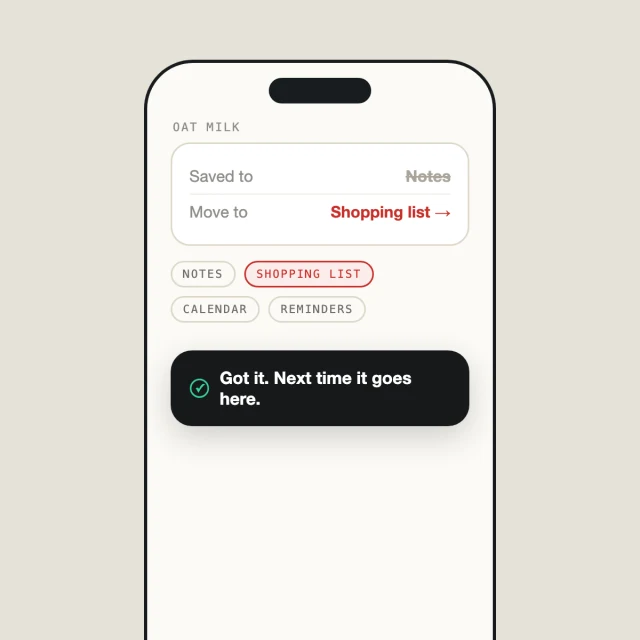
Correct it in the app. Every correction teaches Cue, so it keeps getting better at putting things in the right place.
Can I choose where my notes, lists and plans end up?
Yes. Cue works with the email, calendar and notes you already keep in the cloud, and you pick the destinations in the Cue app.
Does Cue have a speaker?
It beeps to tell you it got your message. If you want spoken answers, they play from your phone or in your headphones. Every answer is also saved in the app.
Can I put different assistants on different buttons?
Yes. Each button and each swipe direction can go somewhere different. Hold and swipe right for your work agent, swipe up for your notes, and keep the plain hold for everything else.
Can I label the buttons?
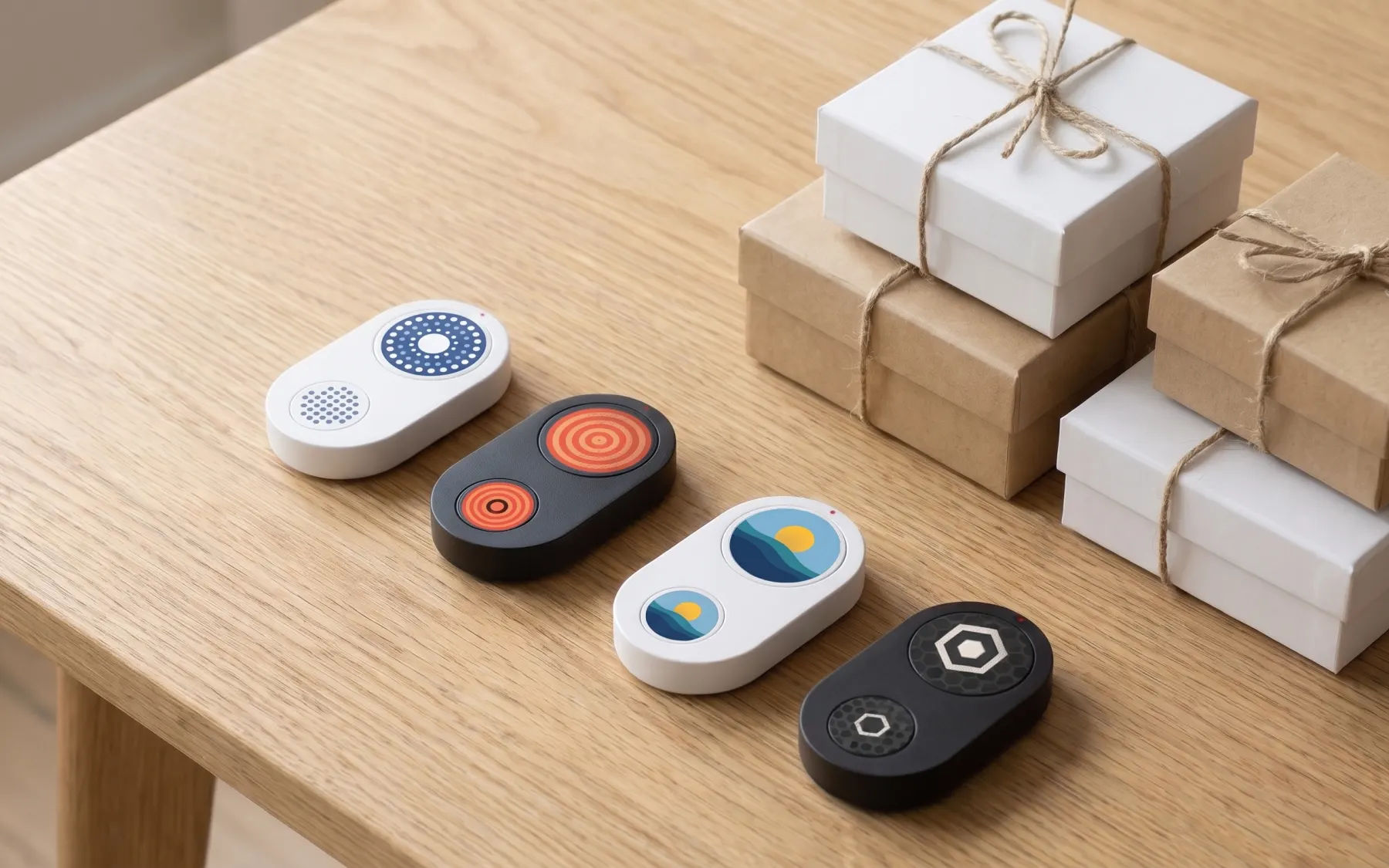
Yes. Optional symbol stickers fit the large and the small button, so you always know which does what.
Which languages does Cue understand?
Any language you speak.
ChatGPT, Claude, Gemini and other AI
Do I need my own AI at all?
No. Cue understands and sorts your notes, lists, plans and messages out of the box. Connect your own AI when you want a specific assistant's answers or tools.
Does Cue work with ChatGPT?
Yes. Connect it with an API key from OpenAI, and Cue can send what you say to OpenAI's models, the same ones behind ChatGPT. OpenAI bills that usage per request. It is not covered by your ChatGPT Plus or Pro subscription.
Does Cue work with Claude?
Yes. Connect it with an API key from Anthropic, and Cue can send what you say to Claude. Anthropic bills that usage per request. It is not covered by your Claude Pro or Max subscription.
What about Gemini?
Yes. Connect it with an API key from Google AI Studio or Google Cloud. Google bills that usage through your developer account, not through your subscription in the Gemini app.
And Microsoft Copilot?
Microsoft doesn't offer the Copilot app as a service that other devices can plug into. If your organization uses Microsoft's Azure AI services, you can connect Cue to those models with an API key, billed to your Azure account.
Why doesn't my ChatGPT Plus or Claude Pro subscription cover it?
Those subscriptions are for the providers' own apps. Other devices and services, Cue included, connect through each provider's developer platform. That platform bills separately, often from prepaid credits.
What does that cost?
You pay the provider per request. Short voice requests are usually cheap, but the price depends on the model you pick and the provider's current rates. Most developer platforms let you set a spending limit.
Do I need to be a developer to set it up?
No. You need an account on the provider's developer platform and an API key, which you paste into the Cue app. If you can copy and paste, you can do it.
Will my assistant answer back through Cue?
It depends on the service. Some answer out loud from your phone, in your headphones or in the app. Others only receive what you say, like a message dropped in their inbox.
Does it work with Grok Bot?
Yes. Connect your Grok Bot account in the Cue app and hand it the bigger jobs. Grok Bot may require a separate subscription.
Does Cue connect directly to Grok Bot or other apps?
No. The button pairs with the Cue app and the Flic app. Services like Grok Bot are connected cloud to cloud: Flic’s cloud passes what you say on through their APIs and webhooks, under your own account.
When I connect another AI, what does it get?
Only what you send to that service through Cue. It's handled under your own account and that provider's terms.
For developers
Can I build Cue into my own app?
Soon. A Flic Cue SDK is coming that makes it easy for apps to connect to Cue directly. Until then, connect your service cloud to cloud with a webhook or MCP.
Can I connect a local or self-hosted model?
Yes. Send what you say to your own server with a webhook, or plug in your own MCP server. Cue doesn't need to know what's on the other end.
Privacy
Where is my data stored?
Encrypted, on Flic's servers in the EU, for up to two months.
Can anyone at Flic read my conversations?
No. Flic employees can't see your conversations.
Can I delete my data?
Yes, at any time. Flic is a Swedish company and follows GDPR, so you can ask us to delete your data whenever you want.
Price
Is the Cue app free?
Yes. The Cue app is free with the core models, which handle most of what people ask.
Will there be a paid version?
Maybe later, for more advanced features. If we add one, Kickstarter backers get it free for three months.
Teams and gifts
Can you print our logo on Cue?
Yes, on larger business orders. We print your logo or artwork right on Cue.
Buying for a team, for clients or as a gift?
Flic Cue makes a great corporate gift. Talk to our business team.